

Zen Eddin Allaham
-
المساهمات
960 -
تاريخ الانضمام
-
تاريخ آخر زيارة
-
عدد الأيام التي تصدر بها
37
نوع المحتوى
ريادة الأعمال
البرمجة
التصميم
DevOps
التسويق والمبيعات
العمل الحر
البرامج والتطبيقات
آخر التحديثات
قصص نجاح
أسئلة وأجوبة
كتب
دورات
كل منشورات العضو Zen Eddin Allaham
-
 حسناً شكراً لك لكن لماذا اتعلم لغة TS حيث انها تقريباً مشابها ل JS
 -
شكرا جزيلاً لكم
-
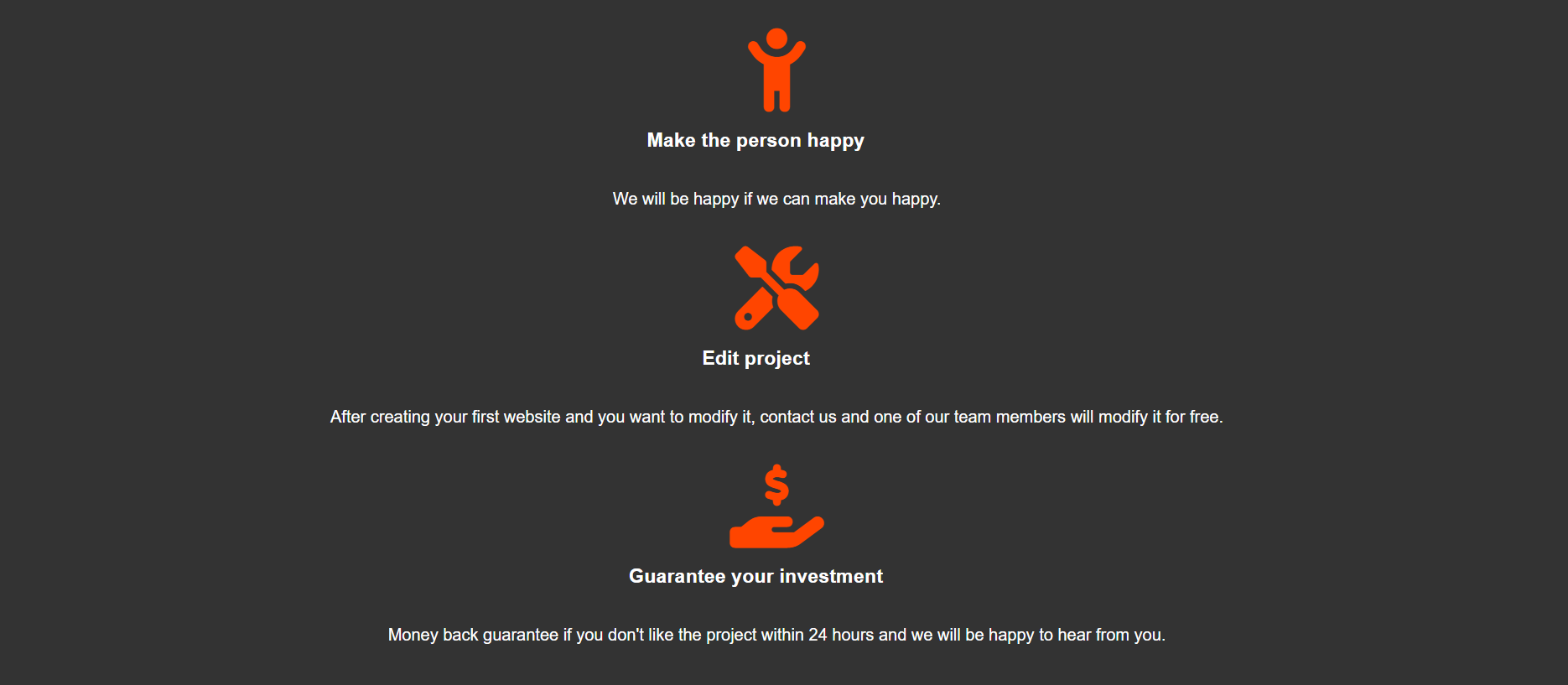
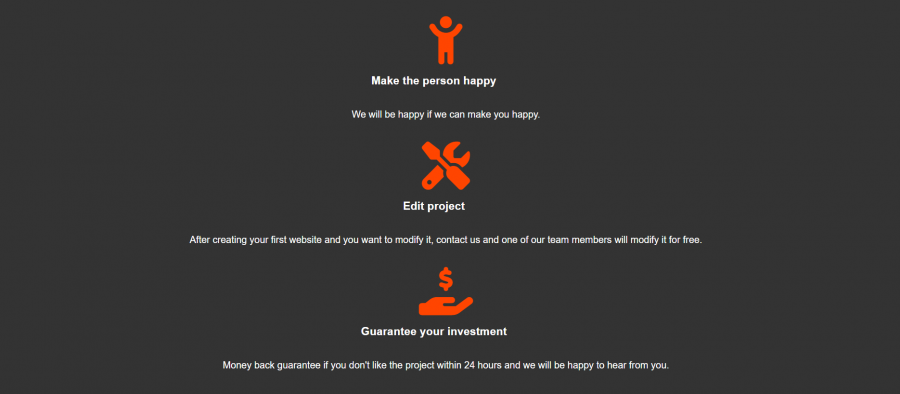
*{ padding: 0; margin: 0; font-family: sans-serif; box-sizing: border-box; } i{ color: orangered; } body{ background-color: #333; } header{ display: flex; justify-content: space-between; align-items: center; background-color: #222; width: 100%; height: 10vh; border-bottom: 3px solid orangered; } .navbar h1{ color: orangered; font-size: 35px; padding-left: 30px; } .navbar nav a{ text-decoration: none; color: white; padding-right: 30px; padding: 10px; transition: all 0.3s ease; margin-right: 10px; } .navbar nav a:hover{ background-color: #ffffff3c; color: orangered; } .hero{ background: url(desktop.jpg) no-repeat; background-size: cover; background-position: center; min-height: 600px; display: flex; justify-content: center; align-items: center; flex-wrap: wrap; } .hero h2{ color: white; font-size: 40px; text-align: center; margin-top: 5%; } .hero span{ color: orangered; } .hero p{ color: white; text-align: center; margin-bottom: 10%; font-size: 18px; } .login{ border-top: 3px solid orangered; } .about{ display: flex; justify-content: center; align-items: center; flex-wrap: wrap; flex-direction: column; margin-top:50px; gap: 1rem; } .about h3{ margin-bottom: 10px; color: white; margin-right: 40px; } .about p{ margin-top: 10px; color: white; margin-bottom: 20px; } .h1{ color: white; text-align: center; margin-top: 20px; } .project{ display: flex; justify-content: center; align-items: center; flex-wrap: wrap; flex-direction: column; margin-top:50px; gap: 1rem; } .project h2{ font-size: 30px; text-align: center; margin-bottom: 20px; } .card{ padding: 3rem 4rem; background: #222; border: 2px solid orangered; } .card p{ flex: 1; margin-bottom: 2rem; color: white; } .card a{ text-decoration: none; color: white; background: orangered; padding: 1rem 2rem; } .card a:hover{ background-color: #ff4400df; } footer{ background-color: #222; width: 100%; height: 10vh; display: flex; justify-content: center; align-items: center; margin-top: 50px; } footer h3{ color: white; } footer a{ padding: 1rem 2rem; background-color: #222; border: 2px solid orangered; margin-left: 20px; text-decoration: none; color: white; transition: all 0.3s ease; } footer a:hover{ background-color: #444; } #arrow{ color: white; } .about a{ color: white; } <!DOCTYPE html> <html lang="en"> <head> <meta charset="UTF-8"> <meta name="viewport" content="width=device-width, initial-scale=1.0"> <link rel="stylesheet" href="https://cdnjs.cloudflare.com/ajax/libs/font-awesome/6.2.1/css/all.min.css"> <link rel="stylesheet" href="style.css"> <title>Document</title> </head> <body> <header class="navbar"> <h1>ZN99</h1> <nav> <a href="">Home</a> <a href="">Project</a> <a href="">Information</a> <a href="">Contact</a> </nav> </header> <section class="hero"> <h2>Welcome to <span>ZN99</span> website</h2> <p>Lorem ipsum dolor sit, amet consectetur adipisicing elit. Enim repellendus maxime sequi, voluptate earum odio dignissimos officia dolores voluptatem? Magnam voluptate quisquam aspernatur at. Quo ad tempore atque eveniet cumque?</p> </section> <div class="login"></div> <section class="about"> <i class="fa-solid fa-briefcase fa-5x"></i> <h3>Project</h3> <p>Our projects are amazing. If you are interested, check out the following link <a href="https://verdant-sunburst-444f9e.netlify.app/" target="_blank">View now <i class="fa-solid fa-arrow-right"></i></a></p> <i class="fa-solid fa-child-reaching fa-5x"></i> <h3>Make the person happy</h3> <p>We will be happy if we can make you happy.</p> <i class="fa-solid fa-screwdriver-wrench fa-5x"></i> <h3>Edit project</h3> <p>After creating your first website and you want to modify it, contact us and one of our team members will modify it for free.</p> <i class="fa-solid fa-hand-holding-dollar fa-5x"></i> <h3>Guarantee your investment</h3> <p>Money back guarantee if you don't like the project within 24 hours and we will be happy to hear from you.</p> </section> <br> <br> <hr> <h1 class="h1">Project</h1> <section class="project"> <div class="card"> <p>Calculator</p> <a href="">View a project <i id="arrow" class="fa-solid fa-arrow-right"></i></a> </div> <div class="card"> <p>Identification website</p> <a href="">View a project <i id="arrow" class="fa-solid fa-arrow-right"></i></a> </div> <div class="card"> <p>Godzilla</p> <a href="">View a project <i id="arrow" class="fa-solid fa-arrow-right"></i></a> </div> </section> <footer> <h3>Contact for ZN99</h3> <a href="">let's started</a> </footer> </body> </html> كيف يمكن جعل العناصر بجانب بعضهم
- 3 اجابة
-
- 2
-

-
هذا الموقع الذي نفذته وهو يتحدث عن توليد صور بذكاء الأصطناعي لكن اريد غير هذه الفكرة

- 9 اجابة
-
- 1
-
-
المشروع قد نفذته لكن اريد فكرة عن ماذا يتحدث هذا الموقع سواء كان كورس او متجر او من الى ذلك
- 9 اجابة
-
- 1
-
-
فكرة للمشروع
-
هل يمكنكم مساعدتي بأختيار مهارة للموقع الذي اعمل عليه لانني بصراحة لا املك افكار
- 9 اجابة
-
- 2
-
-
في يوتيوب لا يوجد فيديو لتعلم Tailwind الأصدار 4 لقد بحثت كثيراً ولم اجده
-
هل ايضاً Bootstrap 5 يجب علي تعلمه وايضاً Canvas في HTML
-
هل نسخة الثالثة صالحة لتعلم او يعني اتعلم النسخة الثالثة بدلاً من النسخة الرابعة
-
ماهي احدث نسخة حالياً من هذه المكتبة
-
انا تعلمت HTML CSS لكنbootstrap 5 لم اتعلمها وايضاً مكتبة Tailwindcss وايضاً canvas في HTML هل هذا الامر كافي ام يجب علي تعلمهم
-
AI (2).zip
-
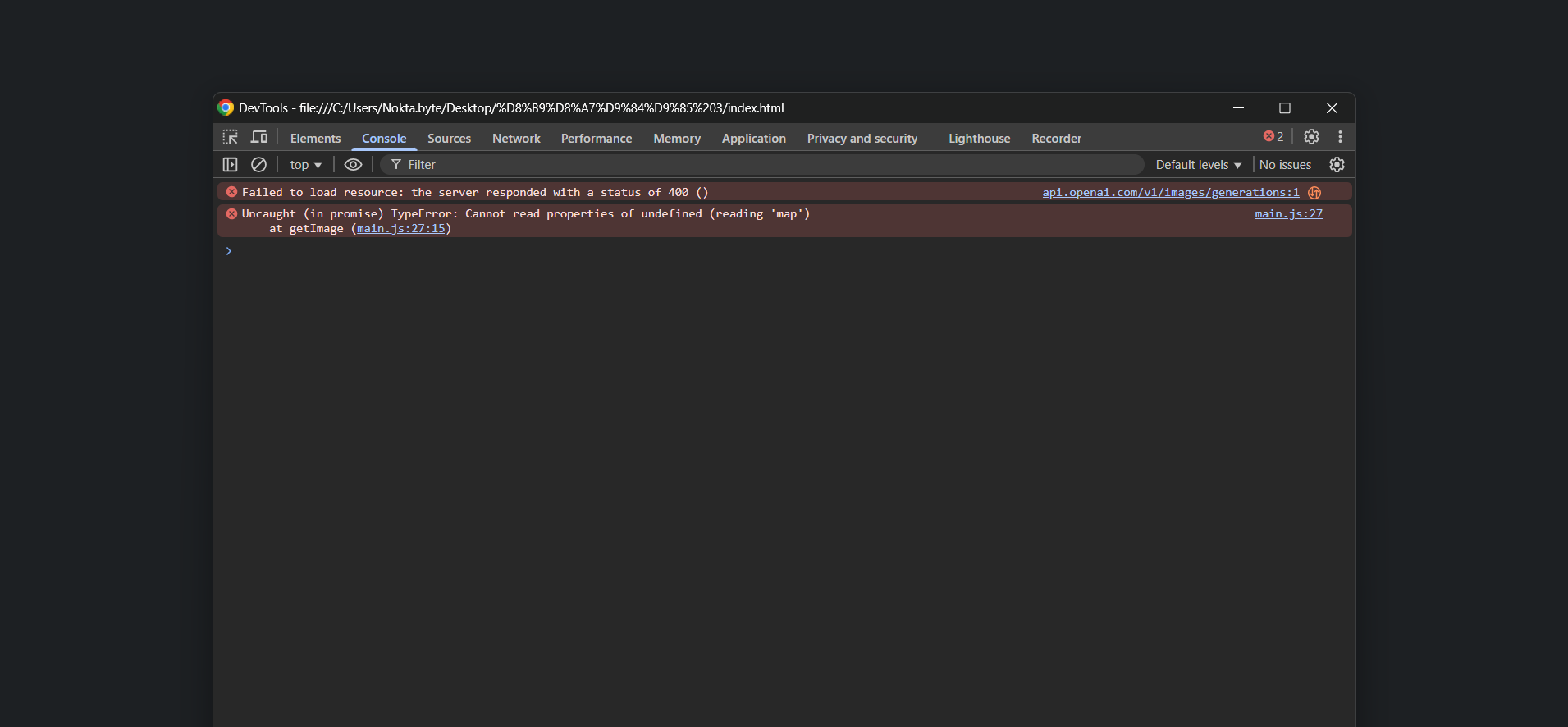
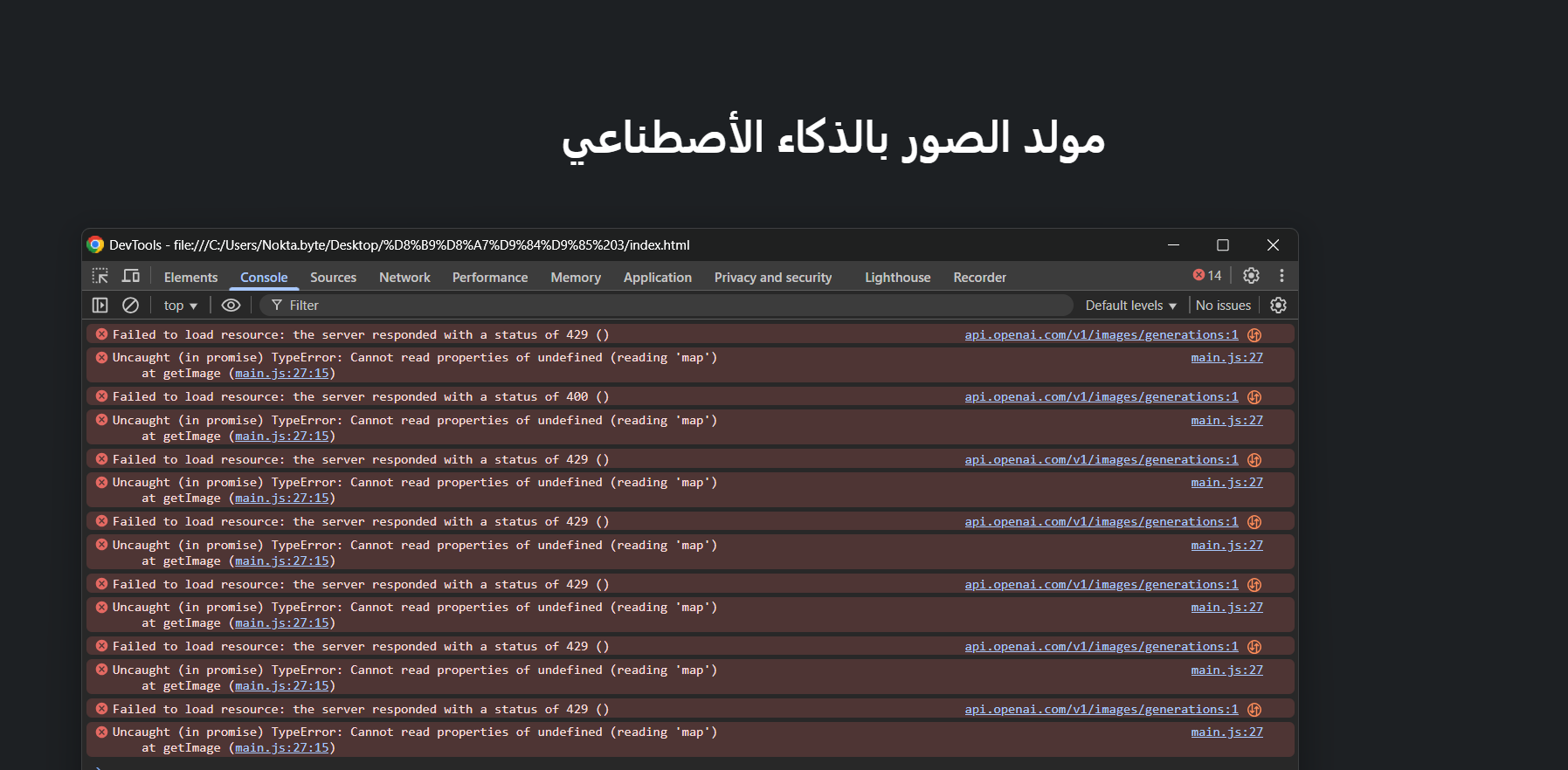
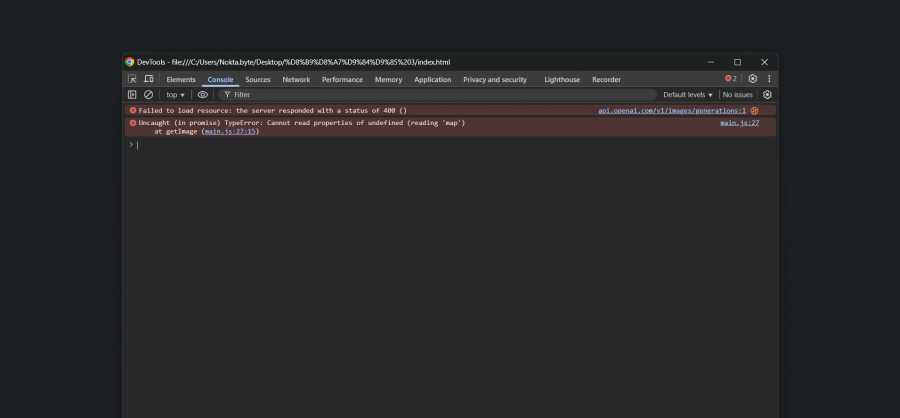
لقد انتظرت وقتاً طويلاً ولم تنحل المشكلة
-
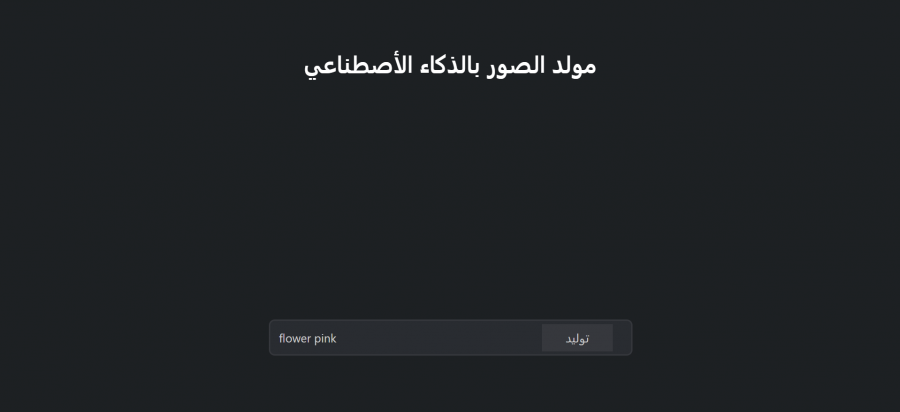
const api = "" const inp = document.getElementById('input') const images = document.querySelector('.images') const getImage = async () => { // make a request to openoia api const methods ={ method: "POST", headers:{ "Content-Type":"application/json", "Authorization":`Bearer ${api}` }, body:JSON.stringify( { "prompt":inp.value, "n":3, "size":"1024x1024" } ) } const res = await fetch("https://api.openai.com/v1/images/generations" , methods) // parse the response as json const data = await res.json() const listImages = data.data; images.innerHTML = ''; listImages.map(photo => { const container = document.createElement('div') images.append(container) const img = document.createElement('img') container.append(img) img.photo.url }) } لقد عدلت كما وضحت لي لكن عند ضغط على زر بعد ملئ الحقل تختفي div ولا يظهر شيء
-
لقد استخدمت openai ولم يعمل الكود const api = ""; const inp = document.getElementById('input') const images = document.querySelector('.images') const getImage = async () => { // make a request to openoia api const methods ={ method: "POST", headers:{ "Content-Type":"application/json", "Authorization":`Bearer ${api}` }, body:JSON.stringify( { "prompt":inp.value, "n":3, "size":"256x256" } ) } const res = await fetch("https://api.openai.com/v1/images/generations" , methods) // parse the response as json const data = await res.json() const listImages = data.data; images.innerHTML = ''; listImages.map(photo => { const container = document.createElement('div') images.append(container) const img = document.createElement('img') container.append(img) img.photo.url }) } هاد هو كود جافا سكريبت AI.zip
- 13 اجابة
-
- 1
-
-
لقد استخدمت openai ولم يعمل الكود const api = "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"; const inp = document.getElementById('input') const images = document.querySelector('.images') const getImage = async () => { // make a request to openoia api const methods ={ method: "POST", headers:{ "Content-Type":"application/json", "Authorization":`Bearer ${api}` }, body:JSON.stringify( { "prompt":inp.value, "n":3, "size":"256x256" } ) } const res = await fetch("https://api.openai.com/v1/images/generations" , methods) // parse the response as json const data = await res.json() const listImages = data.data; images.innerHTML = ''; listImages.map(photo => { const container = document.createElement('div') images.append(container) const img = document.createElement('img') container.append(img) img.photo.url }) } هاد هو كود جافا سكريبت
-
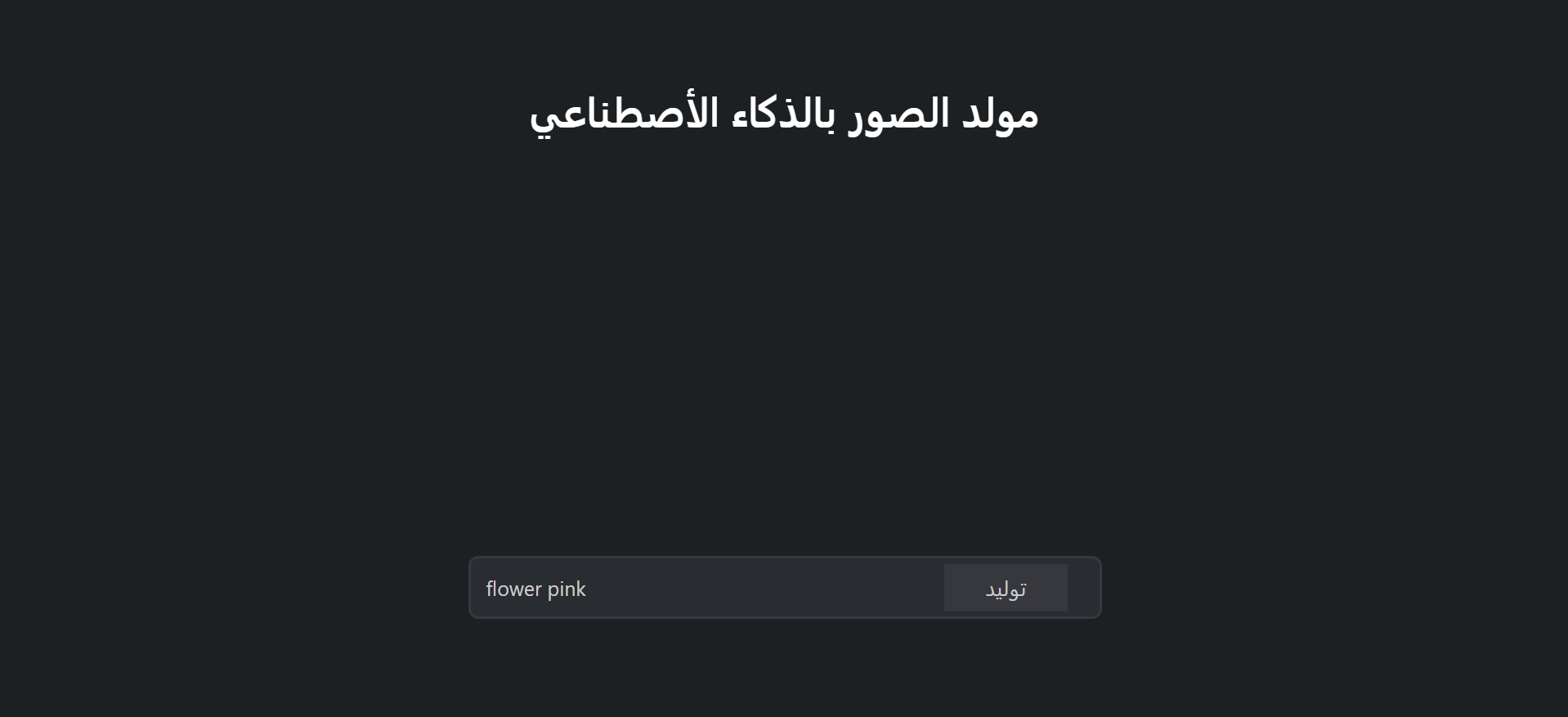
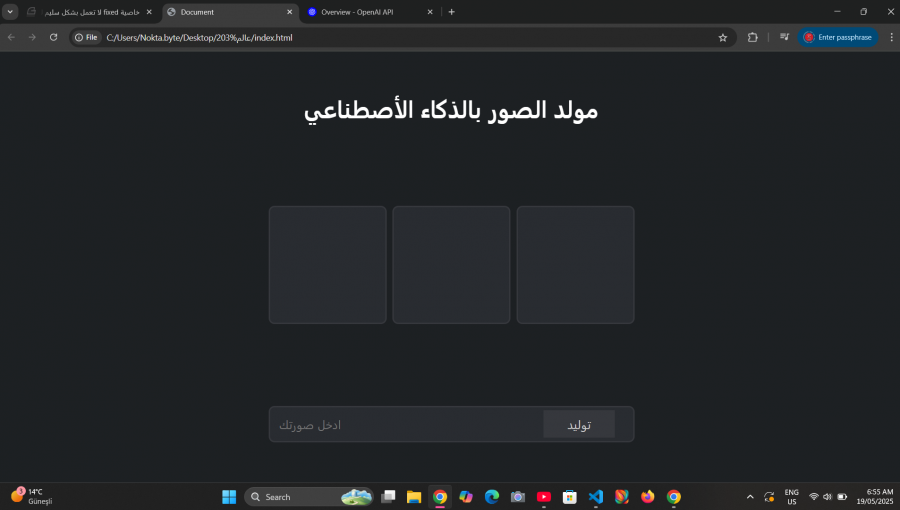
كيف يمكنني توليد صور بستخدام JavaScript حيث اريد اي نص يتم ادخاله في حقل ينفذ في div الفارغ ويظهر صور على حسب المحتوى الذي تم ادخاله
- 13 اجابة
-
- 1
-
-
<!DOCTYPE html> <html lang="ar"> <head> <meta charset="UTF-8"> <meta name="viewport" content="width=device-width, initial-scale=1.0"> <link rel="stylesheet" href="https://cdnjs.cloudflare.com/ajax/libs/font-awesome/6.7.2/css/all.min.css"> <link rel="stylesheet" href="index.css"> <title>Document</title> </head> <body dir="rtl"> <header class="container"> <h1>عالم</h1> <nav> <a class="active" href="">الرئيسية</a> <a href="">المعلومات</a> <a href="">العمل</a> <a href="">تواصل</a> </nav> </header> <section class="hero"> <div class="tex"> <p>أنشئ صورك بستخدام تقنيات الذكاء الأصطناعي</p> <button>أبدأ الأن</button> <button>ابحث اكثر</button> </div> </section> هذا هو المشروع desktop.zip
-
*{ padding: 0; margin: 0; box-sizing: border-box; font-family:'Lucida Sans', 'Lucida Sans Regular', 'Lucida Grande', 'Lucida Sans Unicode', Geneva, Verdana, sans-serif; } body{ background: url(ص.jpg) no-repeat; background-size: cover; background-position: center; width: 100%; height: 100vh; background-color: rgba(255,255,255,0.15); backdrop-filter: blur(4px) brightness(110%); } .container{ width: 100%; height: 10%; background-color: #490183; display: flex; justify-content: space-between; align-items: center; padding: 20px; position: fixed; } .container h1{ color: white; font-weight: bolder; padding-right: 5rem; } .container nav a{ color: white; text-decoration: none; padding: 10px; transition: all 0.3s ease; } .container nav a:hover{ background: #ffffff5e; } .hero{ display: flex; justify-content: center; align-items: center; padding: 20rem 10rem; font-size: 30px; color: white; font-weight: 700; } button{ padding: 1rem 2rem; border: none; background-color: #490183; color: white; border-radius: 10px; margin-top: 10px;; cursor: pointer; font-weight: 600; transition: all 0.3s ease; } button:hover{ background-color: white; color: #490183; } .main{ width: 100%; height: 100vh; } .main h1{ text-align: center; font-size: 40px; margin-top: 100px; } i{ text-align: center; }